Product
Upload a video, get a player and a link.
Modo is simple, high-quality video hosting for businesses that do not have huge video traffic. It runs on Cloudflare Stream, and you can drive it from the web app or from your AI agent.
Upload
Upload from the web, or tell your agent.
Drag a file into the web app. Or ask your AI agent to upload a file from your machine, or to import a video from a URL. Cloudflare encodes it for every device and connection.
- Files up to 200 MB upload in one request, bigger ones use resumable uploads
- Videos can be up to four hours long
- Encoding is automatic, with adaptive bitrate streaming
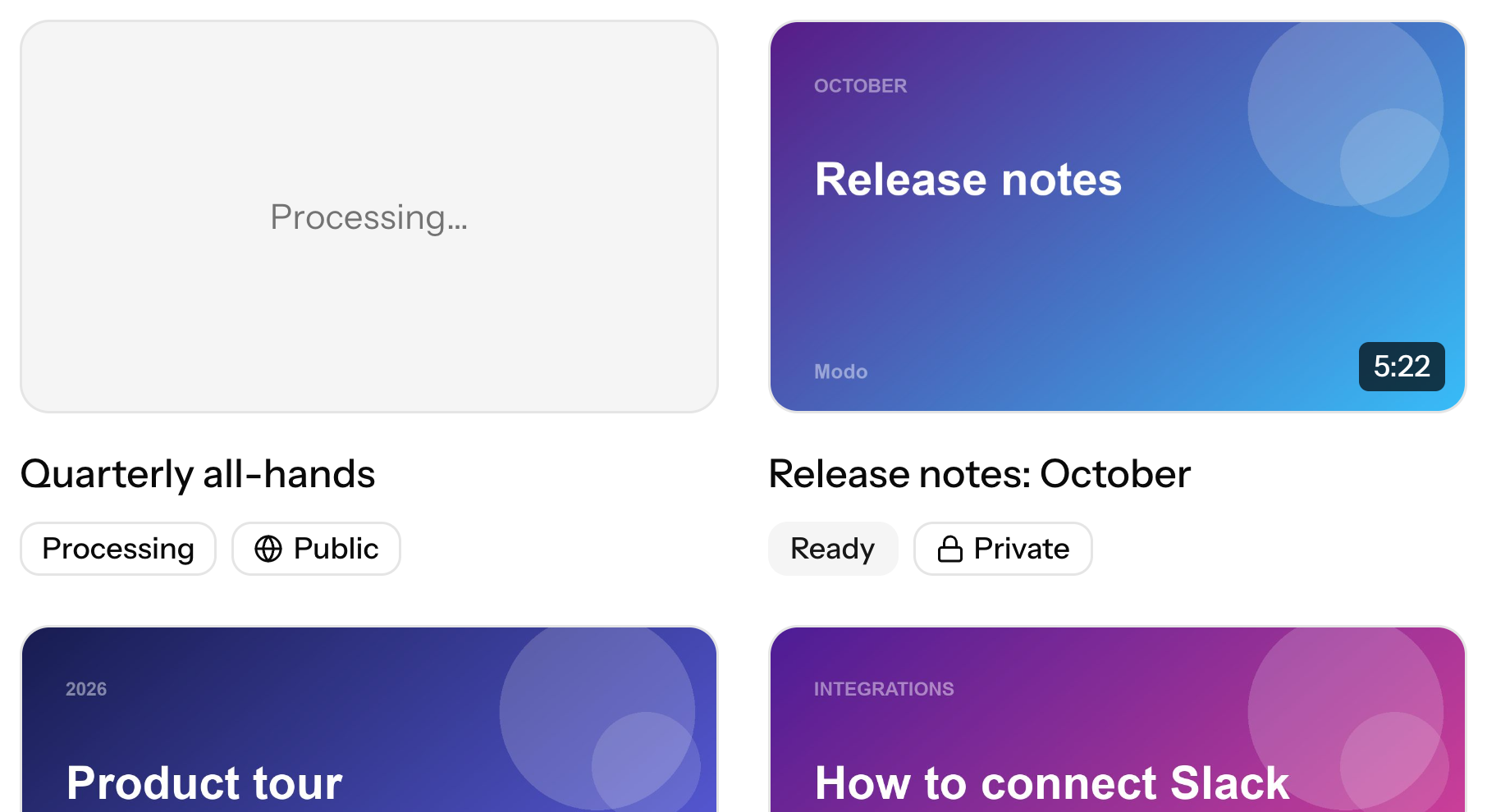
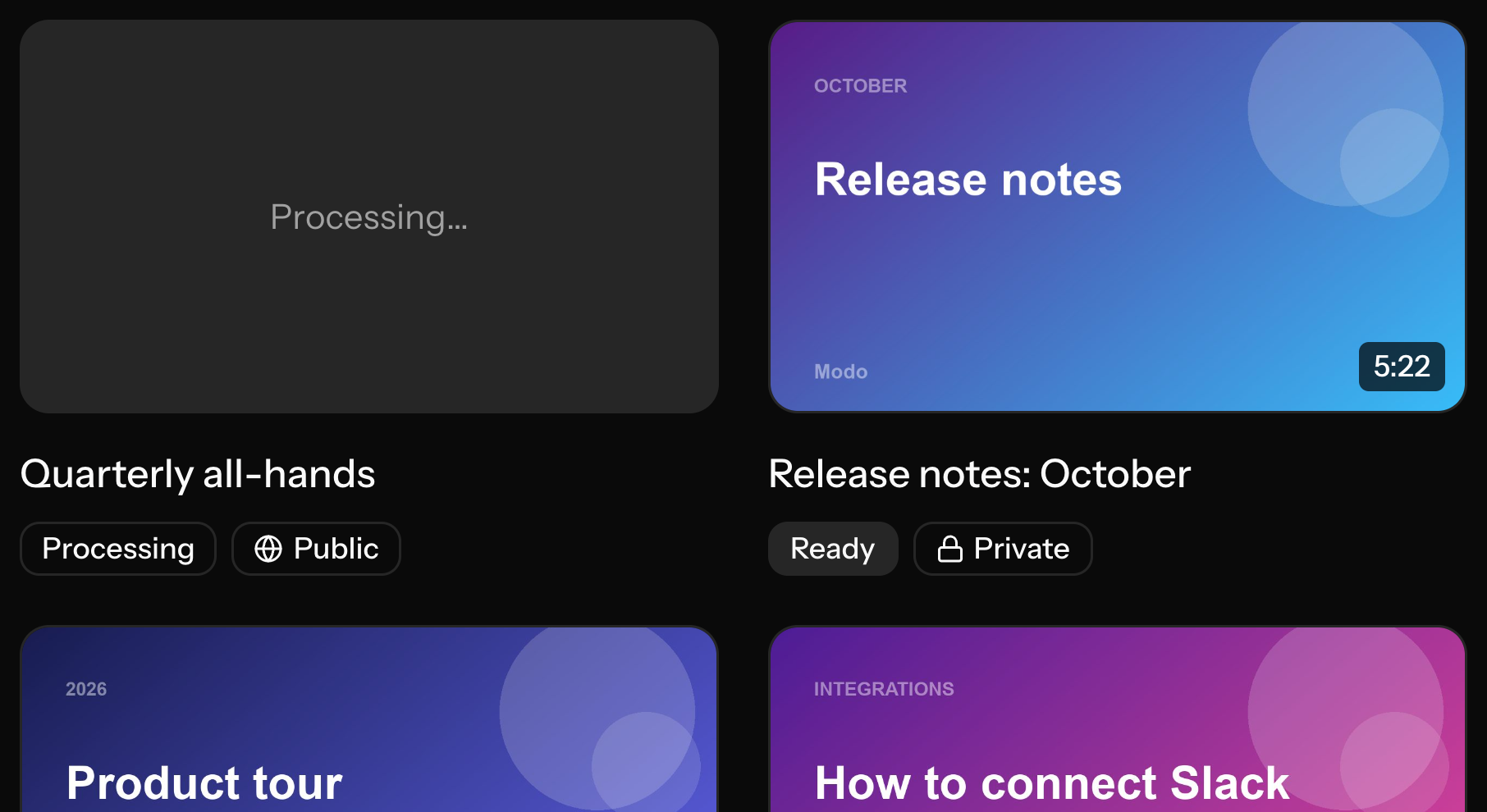
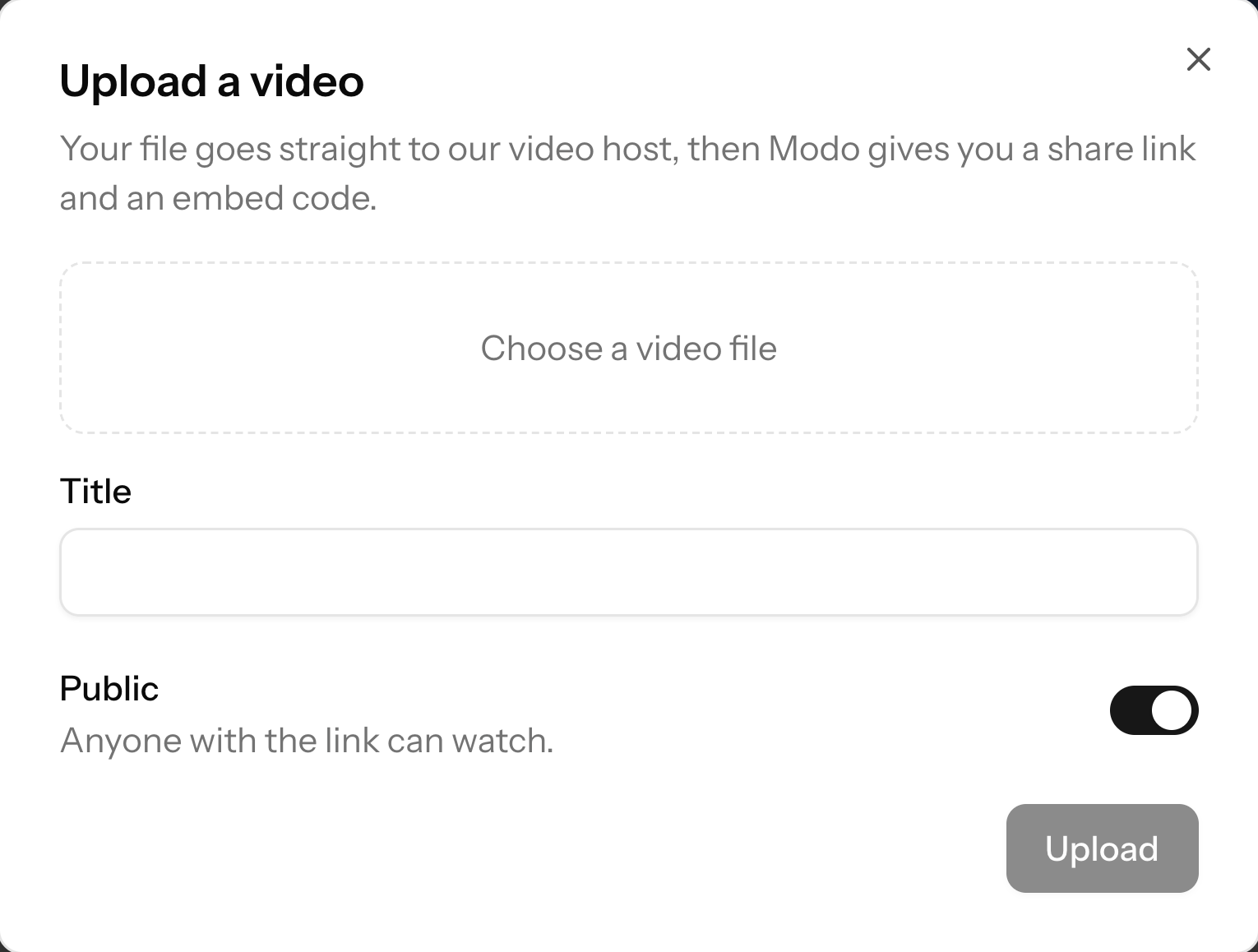
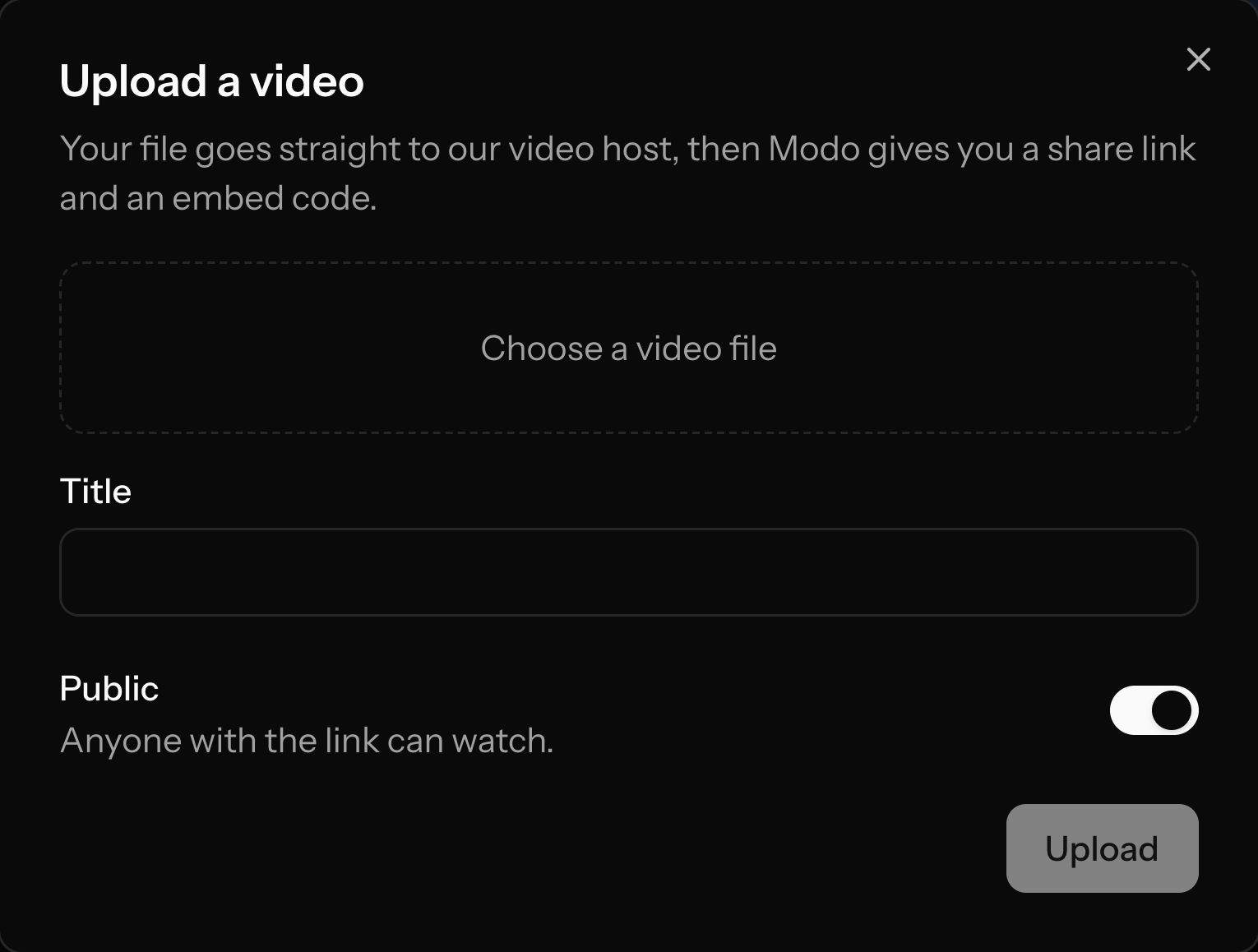
Public or private from the start
Player and embed
A clean player you can paste anywhere.
Every video gets a player embed and a share link. Paste the embed into your docs, changelog or landing page. Cloudflare Stream provides the player and streams from its global network.
- Copy the embed code in one click
- A share link for email and chat
- Adaptive streaming adjusts to each viewer's connection


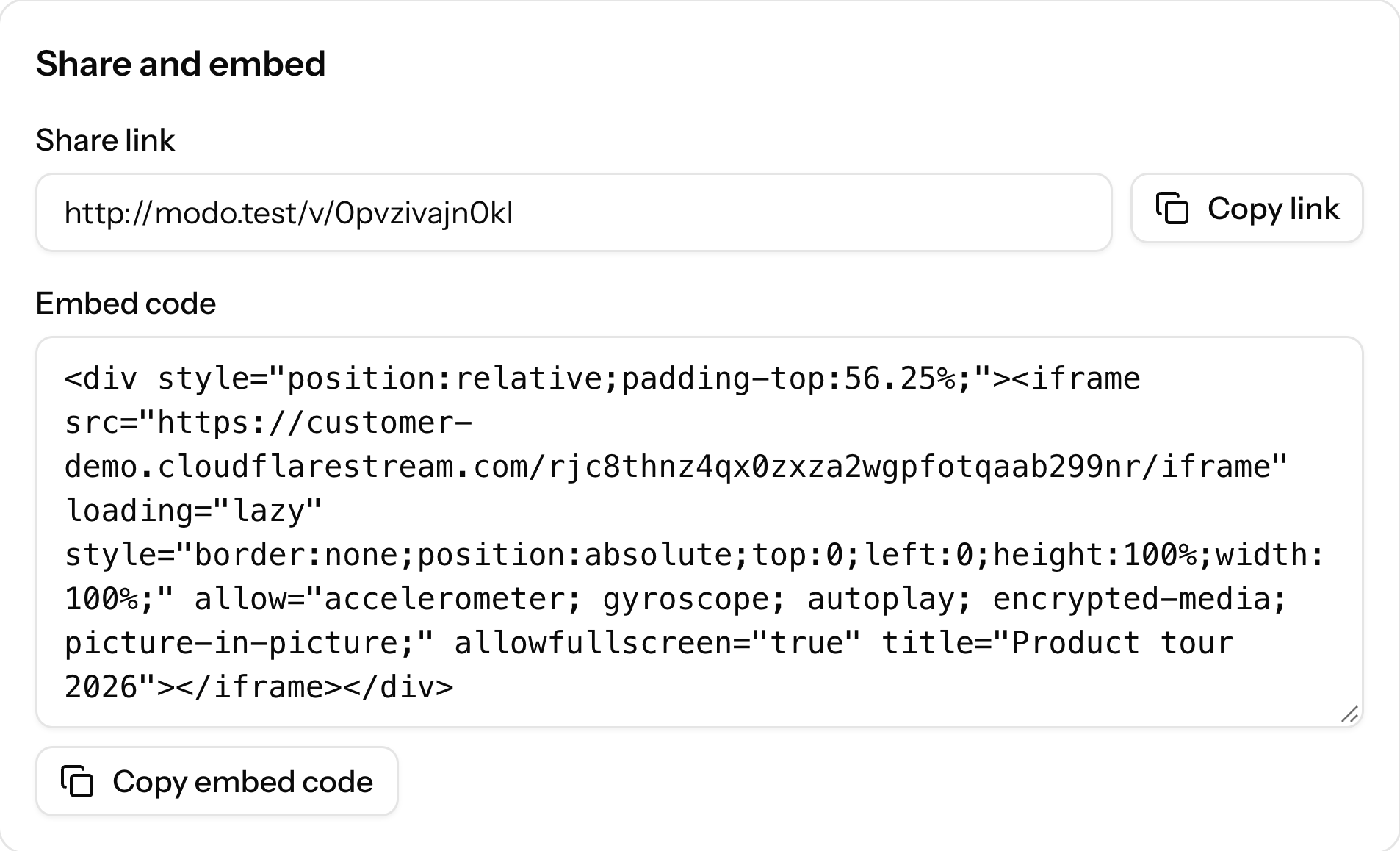
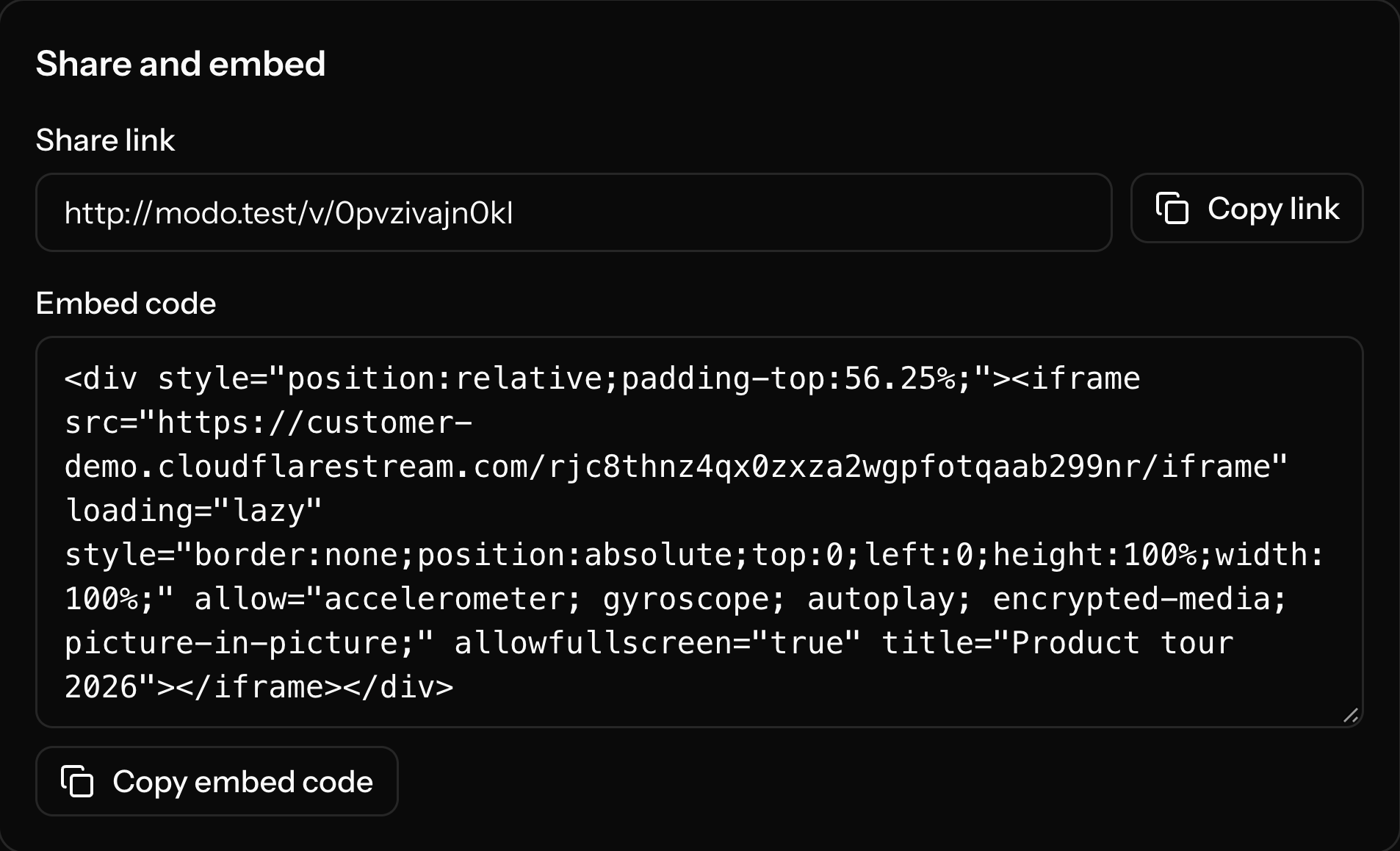
Embed code in one click
Public and private
Public by default. Private when you need it.
New videos are public. Make a video private and it can only be watched with a signed link that expires, so a link you sent last month stops working when you want it to.
- Signed, expiring links for private videos
- Switch a video between public and private at any time
- Unlisted links on other hosts are not access control; signed links are


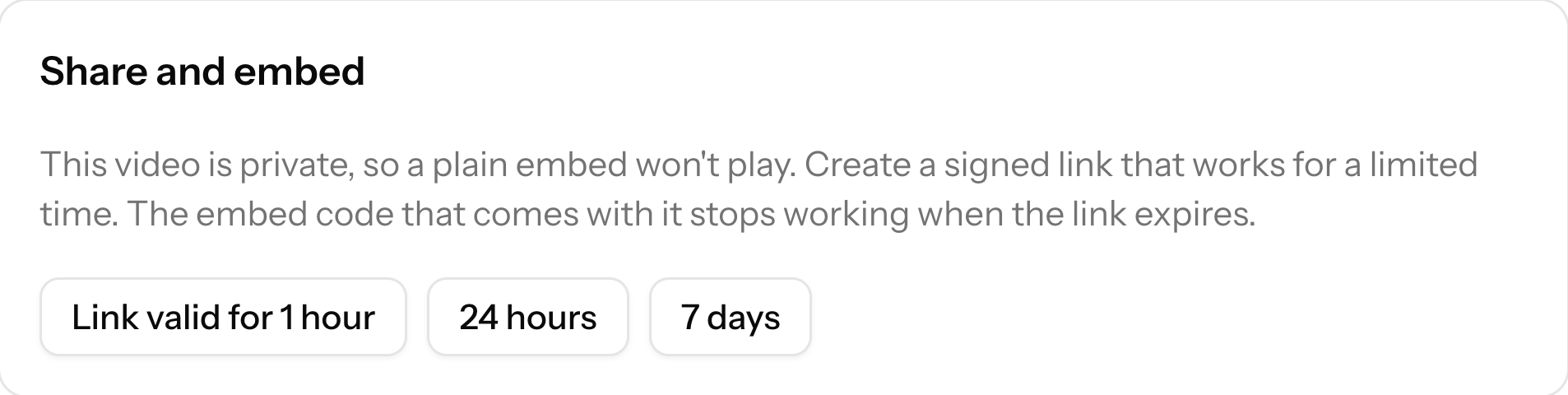
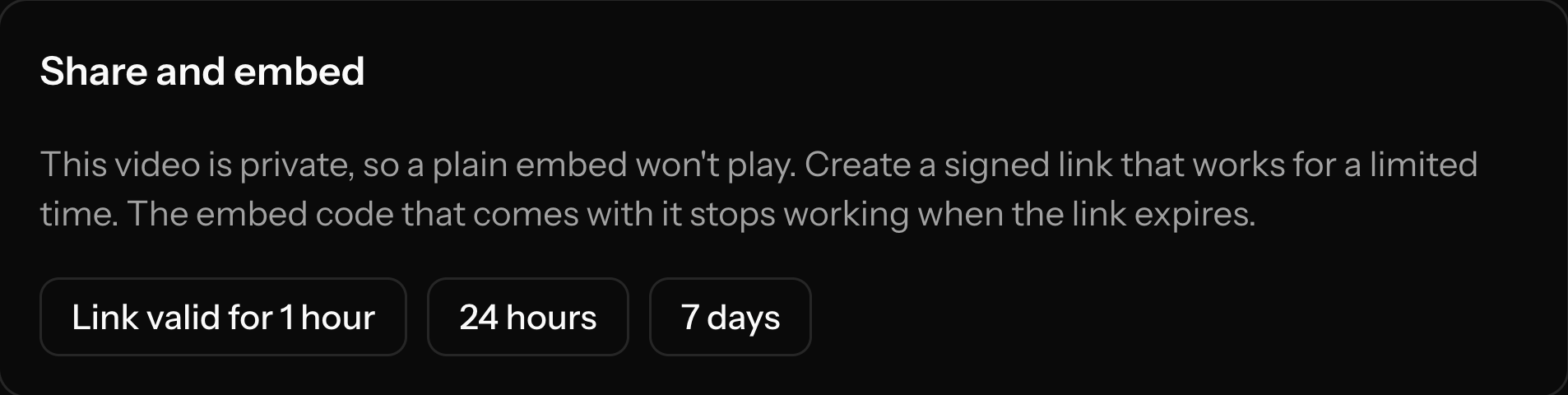
Links that expire
Usage and billing
Two numbers, no surprises.
Plans are priced by minutes stored and minutes streamed per month. You see both in the app, against your plan. If more people watch than your plan includes, extra minutes cost $2 per 1,000. No per-seat pricing, no bandwidth "fair use" clause.
- Usage visible in the app and to your agent
- Overage is a published rate, not a sales call
- Cancel any time from the billing page
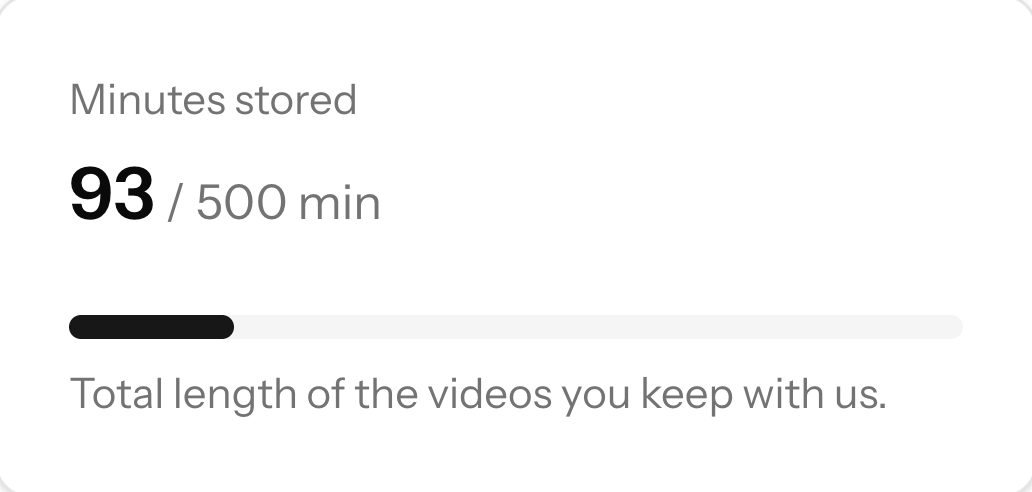
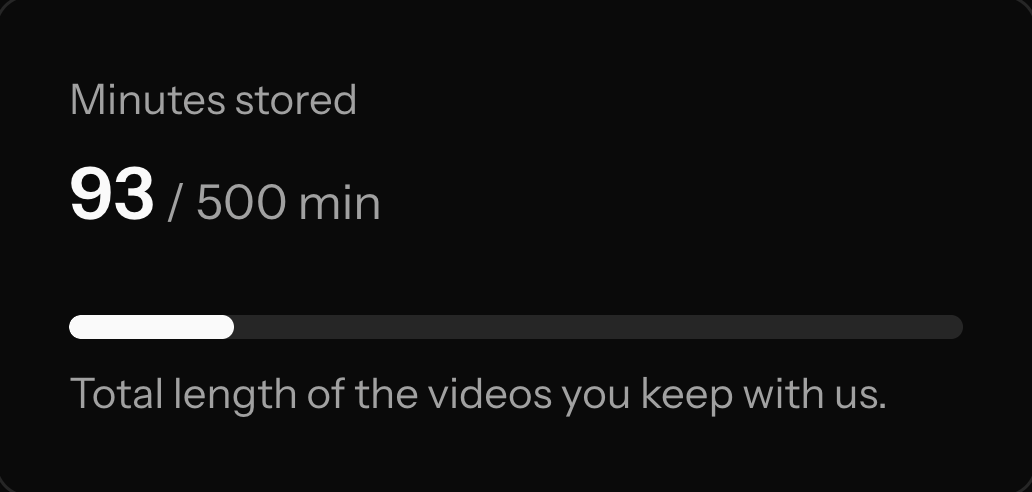


Stored and streamed, against your plan
MCP server
Run it from your AI agent.
Modo has an MCP server at modo.helpfulintelligence.co/mcp. Connect Claude or another MCP client, sign in with OAuth, and ask it to list, upload, import, update or delete your videos, or to check your usage. Other video hosts have started offering MCP servers too, so this is not unique to Modo. The difference is that Modo is built around it and kept small.
- Tools: list_videos, get_video, create_upload, import_video_from_url, update_video, delete_video, get_usage
- The agent sees only your account
- Everything it can do is also in the web app
Use cases
Who uses Modo, and for what
Product demos in docs
A handful of walkthrough videos in your docs, changelog and onboarding, with steady but modest traffic.
Landing-page video
A hero or explainer video that loads fast and plays cleanly, without end-screen suggestions.
Courses and client videos
A small library, some of it private behind signed links. One account, no per-seat charges.
Not for live streaming, webinars or sales-video outreach, and not for high-volume media apps. Looking at other tools too? Read the comparison pages. They say what each tool is good at, including where Modo is not the right fit.
Run every placement from one place.
Start a 15-day free trial, or write to us first.